Government agencies
Track public programs, service metrics, compliance views, operational performance, and stakeholder reporting.

HD REPORTING & DASHBOARDS
HD Reporting & Dashboards is a Huis Digital-managed reporting portal for secure dashboards, KPIs, compliance views, client reporting, and management reports.
WHAT IT IS
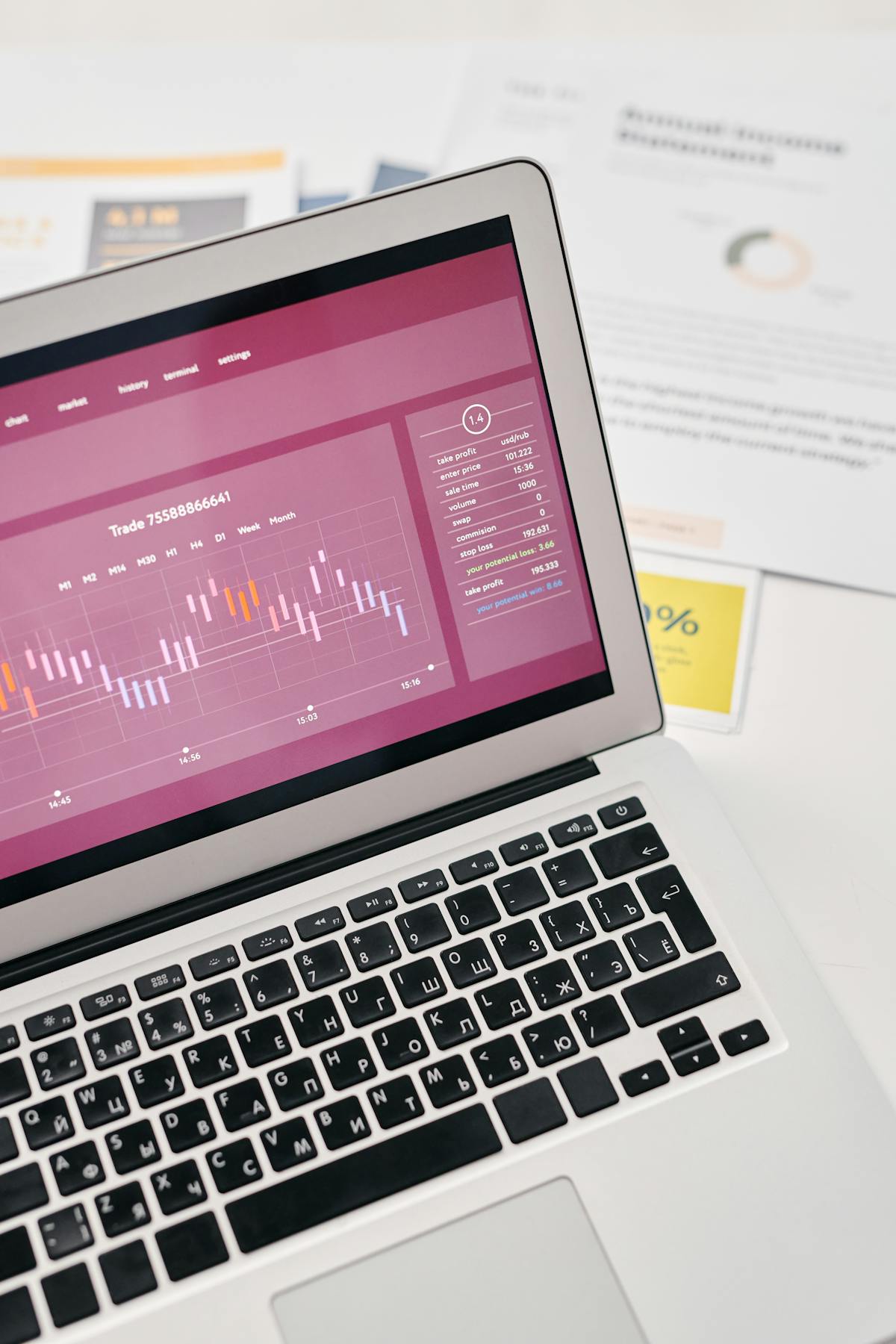
HD Reporting & Dashboards gives your organization one secure place to view the numbers, trends, and reports that matter. Huis Digital configures the portal around your data sources, users, permissions, reporting needs, and long-term support plan.
The goal is not to add another disconnected dashboard. It is to give leadership, staff, clients, and stakeholders a consistent reporting experience that stays governed, usable, and supported as reporting needs change.

WHO IT IS FOR
HD Reporting is built for organizations where decisions, compliance, operations, or client service depend on timely information.
Track public programs, service metrics, compliance views, operational performance, and stakeholder reporting.
Give leadership reliable dashboards without exposing source systems or relying on manual spreadsheet work.
Provide customers, vendors, or partners with secure access to the reports that matter to them.
Monitor KPIs, workflows, service levels, exceptions, and performance trends in one place.
WHAT IT CAN SHOW
Start with the decisions people make every week, then shape the portal around the views they need to make those decisions well.

WHY HUIS DIGITAL
Huis Digital combines reporting design with custom software, API integration, database work, cloud hosting, QA, and release discipline. That means your reporting portal can connect to real systems, support real permissions, and grow beyond one-off dashboards.
That matters when reporting needs to reflect actual workflows, different user groups, governed access, repeatable delivery, and ongoing support instead of a single static report.
CAPABILITIES
Capabilities are scoped to the reporting environment, user audiences, data sources, and support model.
PACKAGES
Pricing stays off-page because scope depends on data readiness, report volume, user groups, access rules, delivery needs, and support expectations.
Focused dashboard
Teams that need a clean management dashboard or KPI report from existing data.
Secure portal
Organizations that need secure login, user roles, multiple dashboards, and client or department-specific report access.
Ongoing support
Teams that want Huis Digital to maintain reports, monitor refreshes, adjust metrics, and support ongoing reporting needs.
NEXT STEP
Give leadership, staff, clients, or public stakeholders a secure place to view the reports and dashboards they need without digging through spreadsheets or source systems.
Start a reporting conversationSend the reporting process, dashboard needs, data sources, user groups, and support concerns you are trying to improve. We'll respond with a practical path for a reporting portal conversation. Want a deeper look at our thinking? Visit our publications archive.